Enhanced Pitch Call Guest Application and Notification Management
Prerequisites
Target Role: Program Administrator
Required Contract & Permissions: Pitch call management permission
Pre-prepared Data: Email address for receiving verification codes, application settings
Operation Steps
- Select the target program from the sidebar and open the pitch call management screen (/program/:programId/pitch-call).
- Open the delivery history or submission and notification list screen to check the delivery status.
- If the status is unknown or failed, click the "Review retry" or "Retry" button.
- Review the confirmation dialog or duplicate risk notice, then click "Retry anyway" or the execution button.
- Verify that the delivery status has been updated in the list after completion.
- On the external guest application screen (/programs/:programId/pitch-call/:slug), enter your name, company/team name, and email address, then click "Send verification code".
- Enter the received verification code into the input field and click "Verify email" to complete address verification.
- Click "Confirm application with this content" and verify that the screen transitions to the completion screen showing the reception number.
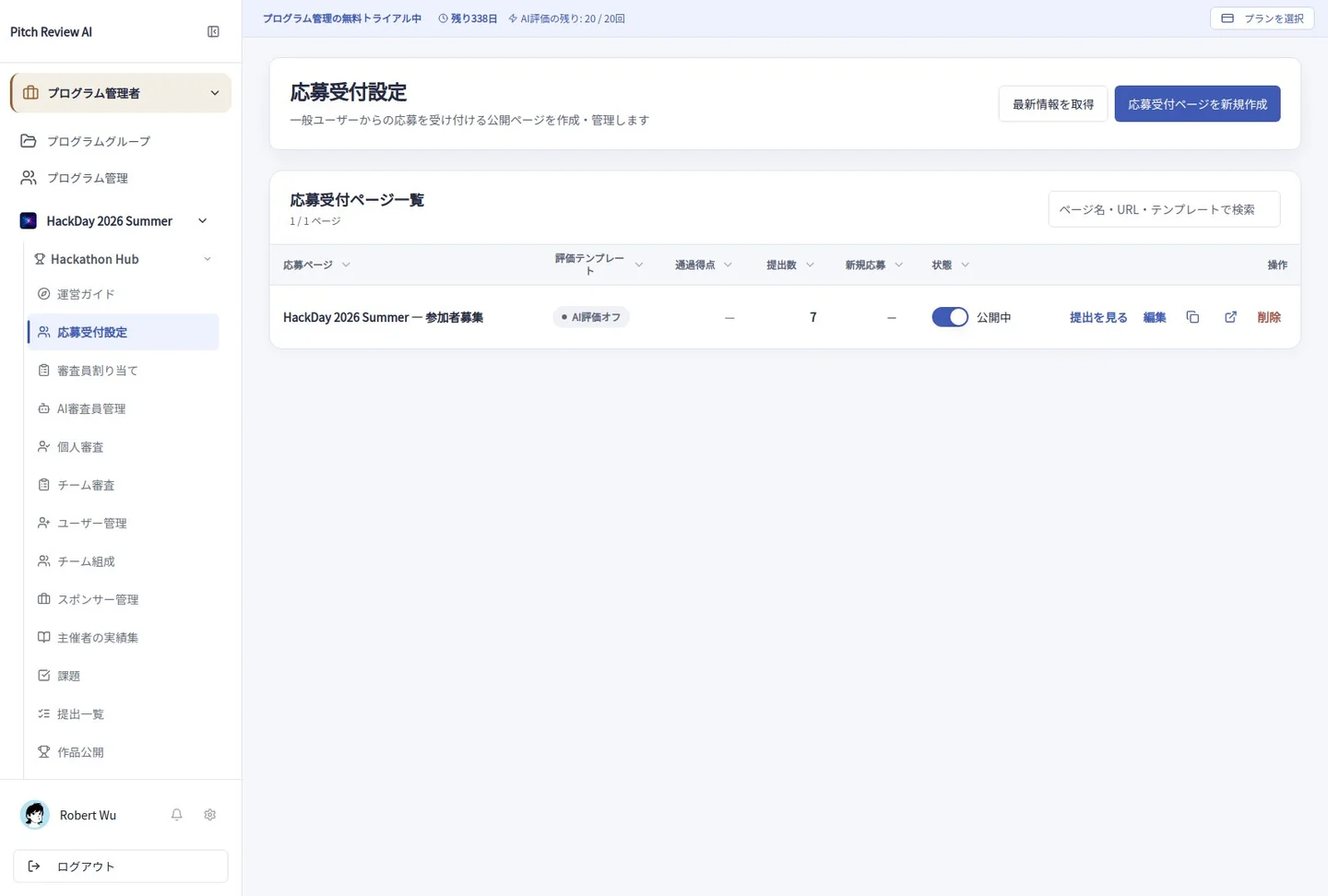
Actual Japanese-interface screenshot: applications. Open the image to view it at full size.
Precautions
Pay close attention to duplicate delivery risks when retrying. Detailed steps may require confirmation.