Enhanced Organizer Scrapbooks and Report Editing
Prerequisites
Target Role: Organizer
Required Contract/Permissions: Organizer privileges
Prerequisite Data: Published report data
Operation Procedures
- Select "Organizer Scrapbooks" from the sidebar to open the list view.
- Click the "Create Scrapbook" button at the top right to open the creation dialog.
- Select the target organization and choose published reports for each program.
- Enter the required company and cover letter details, then click the create button at the bottom of the dialog.
- Confirm that the completion notification appears and the new scrapbook is added to the list.
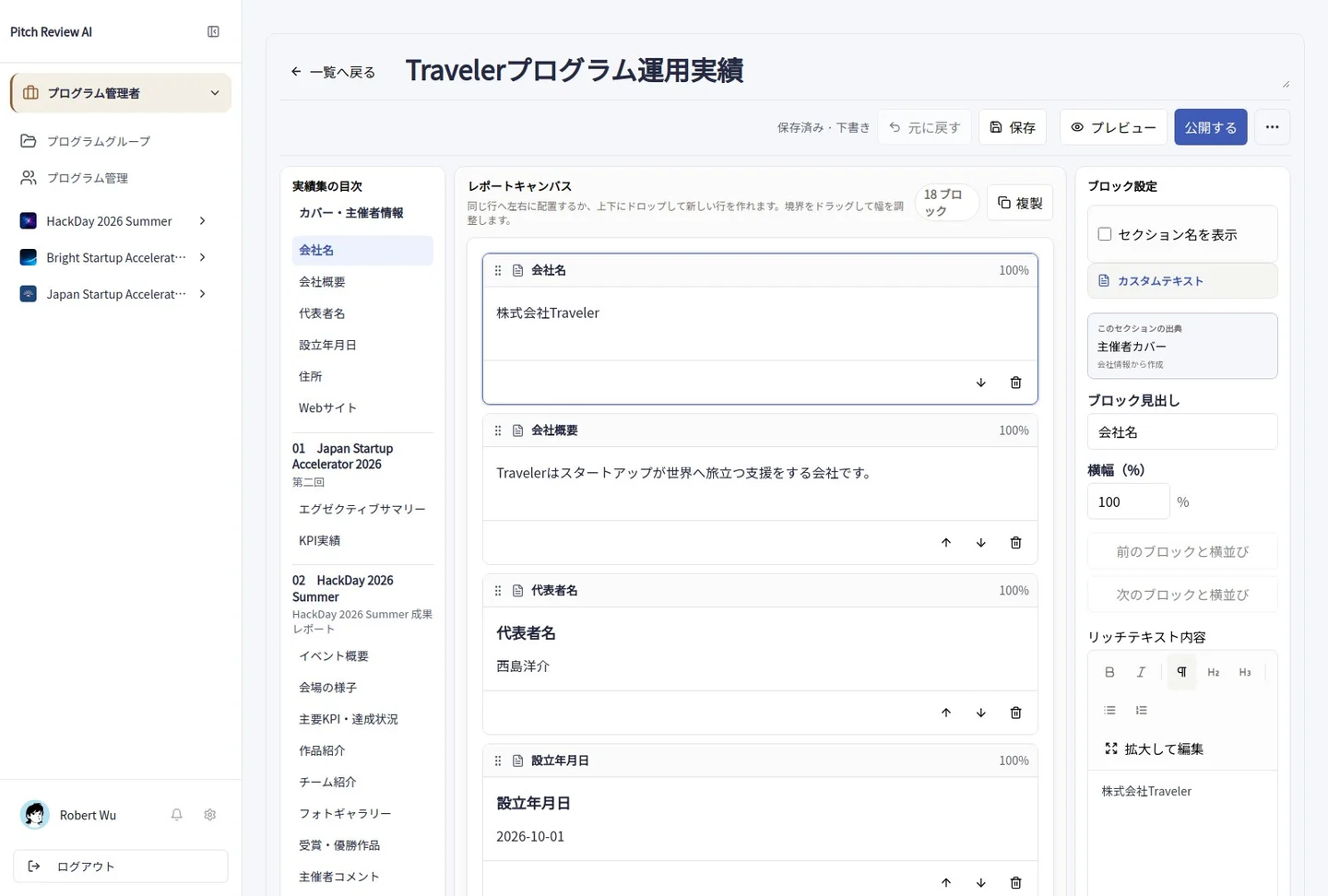
Actual Japanese-interface screenshot: scrapbook. Open the image to view it at full size.
Precautions
Original source reports remain unchanged when creating scrapbooks.