Reorder portfolio works by dragging
Reorder portfolio works by dragging
Use each work's left-hand drag handle to reorder a cover-image portfolio list.
Before you begin
Use a program with the relevant feature enabled, or your own settings page. Administrative operations require program management permission; team editing requires active membership and an editable page.
Step-by-step instructions
- Open Settings → Portfolio.
- Review each row's cover, title, description and status to identify the work you want to move.
- Grab the six-dot handle at the far left and drag the row to the intended position.
- Drop it and check the new order. There is no separate refresh button or numeric ordering step.
- For published works, use Public page(公開ページ)beneath the status to inspect the result. Drafts do not show a public-page link.
- Visit another settings tab and return to Portfolio to verify the saved order.
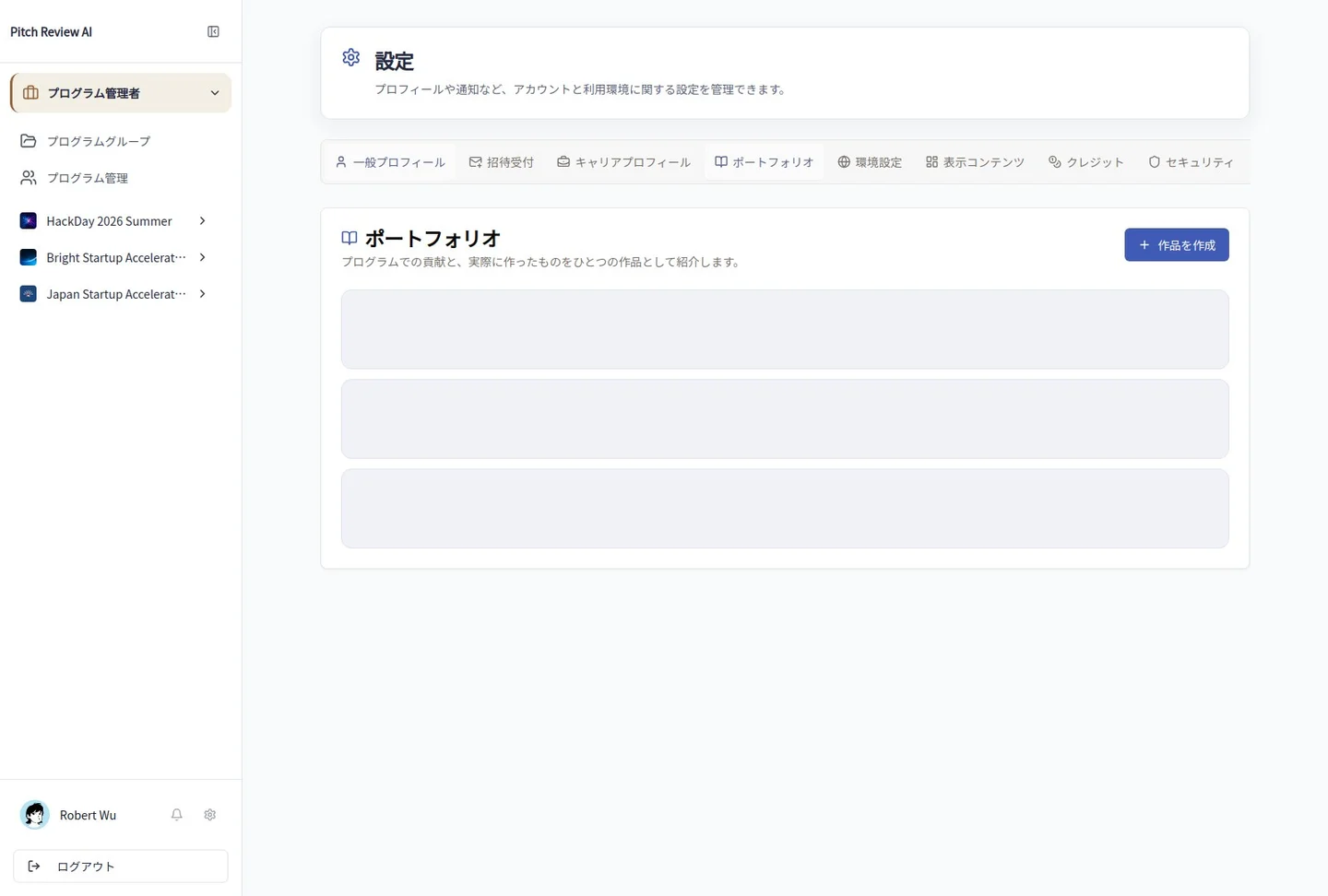
Actual Japanese-interface screenshot: portfolio order. Open the image to view it at full size.
Completion checks and precautions
Reordering does not change a work's publication status or content. The screenshot shows the real list without changing its actual order.