Publish cover-image work cards and team detail pages
Publish cover-image work cards and team detail pages
Show eligible public work as cover-image cards linking to each team's detailed work page.
Before you begin
Use a program with the relevant feature enabled, or your own settings page. Administrative operations require program management permission; team editing requires active membership and an editable page.
Step-by-step instructions
- In Works → Work list, verify the teams that submitted the designated final assignment.
- Review their submitted pages in Team work detail pages(チーム作品詳細ページ); these are separate from editable drafts.
- Check that the hero cover is included in the submitted version.
- Check the program's existing ranking-finalization, visibility and publication-consent requirements before configuring the public showcase.
- Open the public list and verify the cover image above each work's title and description.
- Select a card to open that team's work. Return through Back to works(作品一覧へ). The detail focuses on the work rather than repeating the program introduction.
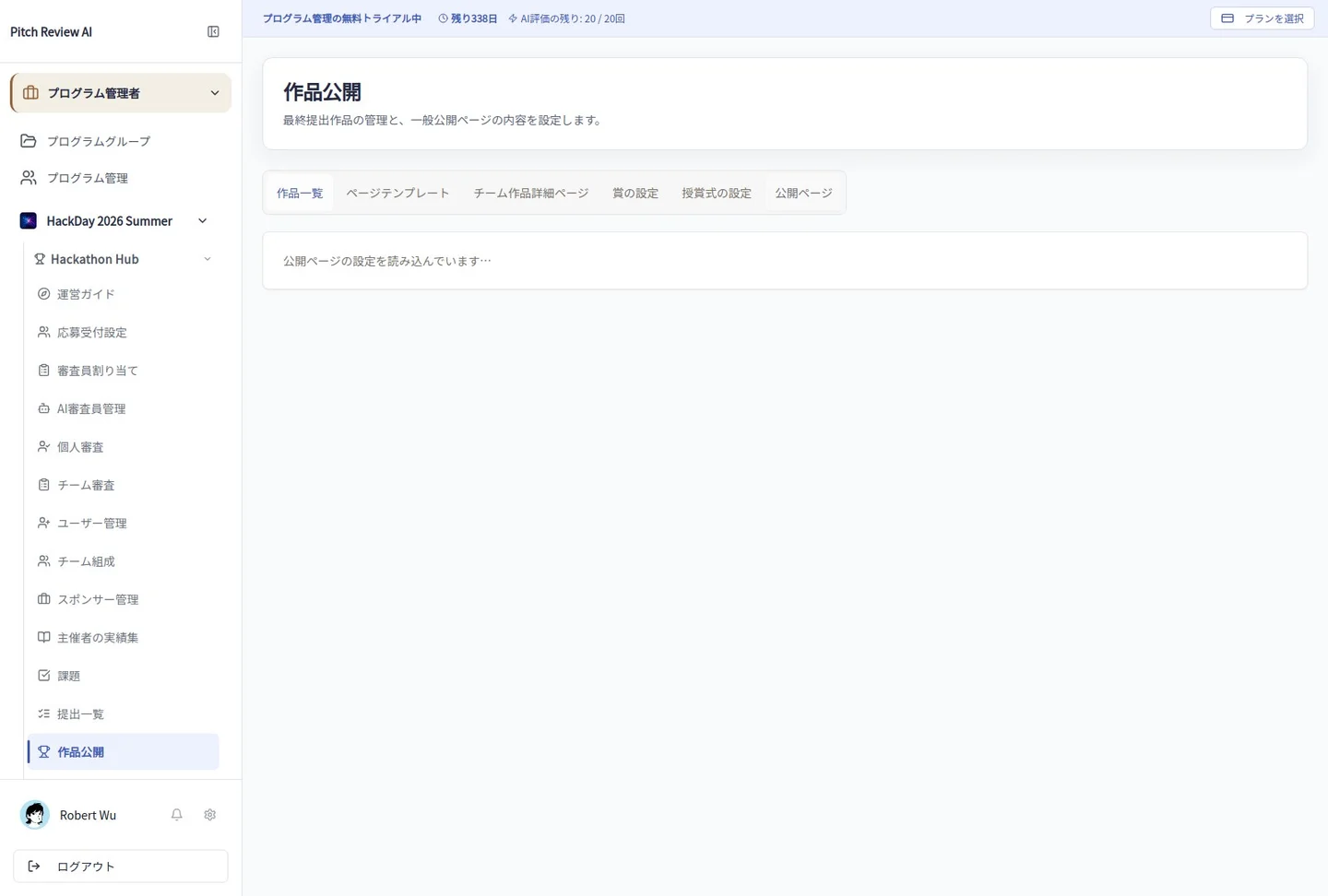
Actual Japanese-interface screenshot: public gallery. Open the image to view it at full size.
Completion checks and precautions
Publishing a template or saving a draft does not automatically publish every team. Works that do not satisfy the existing publication requirements remain excluded.